![LuceoSports Logo - Full word white.png]](https://solutions.luceosports.com/hs-fs/hubfs/Luceo%20Sports/LuceoSports%20Logo%20-%20Full%20word%20white.png?width=93&height=35&name=LuceoSports%20Logo%20-%20Full%20word%20white.png)
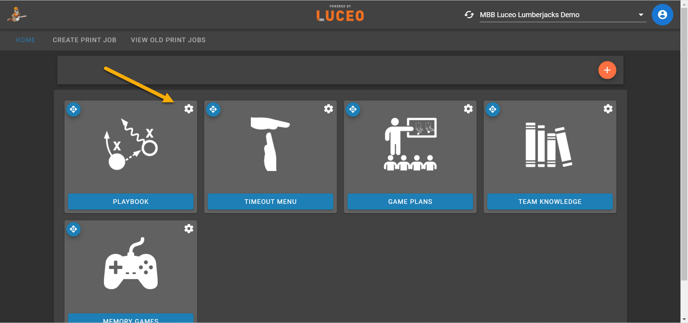
If you are wanting to hide or show an entire chapter simply click on the gear wheel in the top right corner of the chapter.
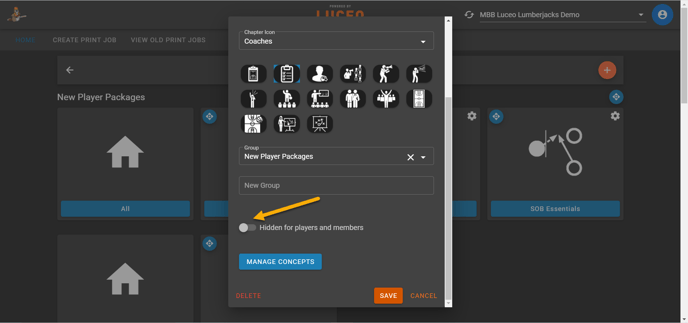
Scroll down until you see the toggle show/hide option. Be sure to hit the orange save button once you are done.
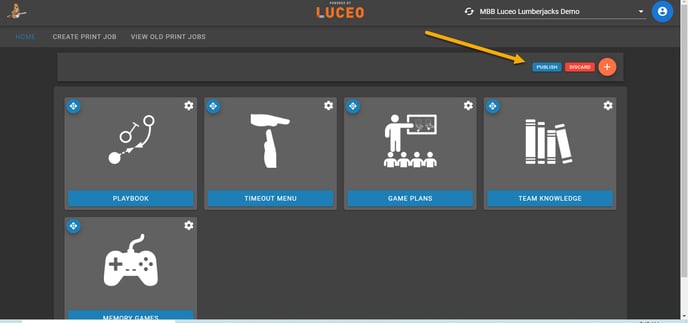
As always, once your are finished making any changes be sure to publish your changes by clicking the blue publish button in the top right corner!